
Tibbo Technology Introducing Auto-Baud Rate Detector in Serial Tap Pro
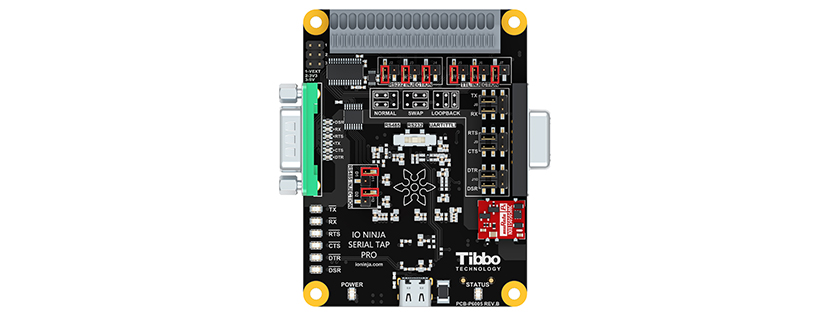
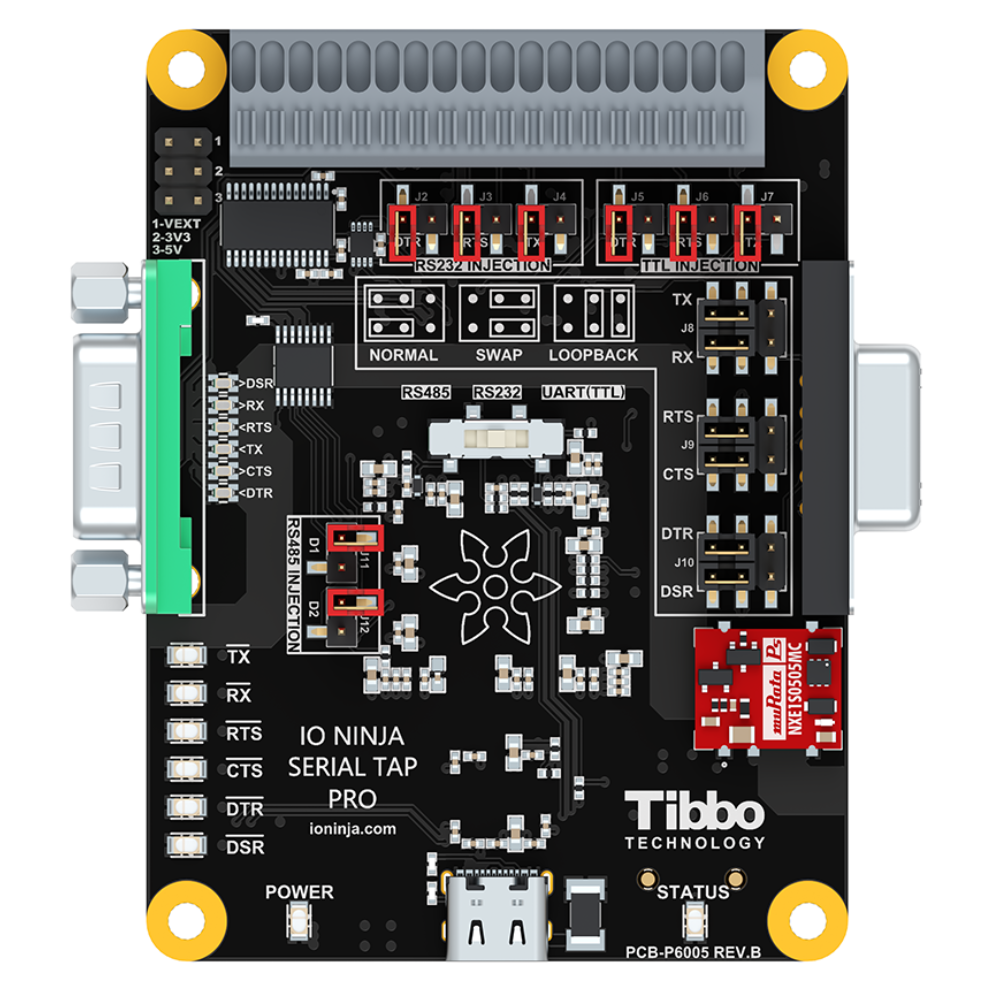
At the time of its release last year, Serial Tap Pro was already the most advanced serial solution on the market, featuring:
- All-in-One interface support (RS232, RS422/RS485, TTL)
- Full galvanic isolation across all serial lines
- High baud rates (up to 2.5 Mbps)
- Guaranteed chronological sequencing with microsecond-precision
- 9-bit data decoding
- Automatic data direction detection for half-duplex RS485 buses
- Injection of packets and control line changes
- …and more!
And now it’s gotten even better: Automatic Baud Rate Detection — also known as ABR — is here!
Why do you need ABR?
Imagine troubleshooting a legacy system where devices talk to each other over RS485 (or some other flavor of serial). You want to see the packets these modules exchange — that could be the key to understanding why the system isn’t working as intended. But first, you need to figure out the baud rate and other serial parameters they use. Of course, you have no datasheets, and Google is not much help either, sending you to abandoned websites from the ’90s or unanswered posts on obscure Chinese forums. Bummer.
(And even with a datasheet, it’s not always easy — devices may use non-standard configurations, parameters may be specified as ranges rather than exact values, and the datasheets themselves sometimes contain errors.)
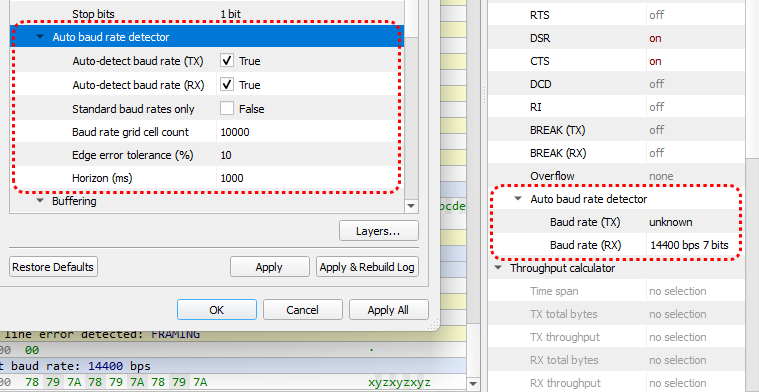
Here’s where Serial Tap Pro steps in. Simply connect it to the link, and it will automagically tell you the exact serial parameters your devices are using — no guesswork and no scope trickery.
What makes Serial Tap Pro ABR stand out?
Works with ANY data
Most other ABR-enabled products rely on specific byte patterns — but how would you know in advance what bytes a device will send? Isn’t that the whole reason you need a tap in the first place? Tibbo’s ABR works on any random bytes passing through!
Instant and non-intrusive
The detected serial parameters will instantly appear in the Information Pane on the right — then you can adjust the tap settings accordingly. Or not! Tibbo’s detector is non-intrusive by design: it merely offers a hint, and it’s up to you to take it or leave it.
Works when TX and RX baud rates don’t match
Tibbo’s ABR continues to work even when two devices on the link use different baud rates — a very common cause of serial communication errors. With Serial Tap Pro, you’ll spot such mismatches immediately, saving you minutes (or hours!) of head-scratching.
Working with serial communications?
Serial Tap Pro is the ultimate tool for troubleshooting all UART-based links. It delivers unmatched capabilities for capturing, analyzing, and generating serial packets — with the new auto-baud rate detector as the sweet cherry on top.
Detailed documentation for all of Serial Tap Pro’s advanced features is available in the IO Ninja User Manual, making setup a breeze.
So what are you waiting for?
Courtesy of Tibbo
